About this product
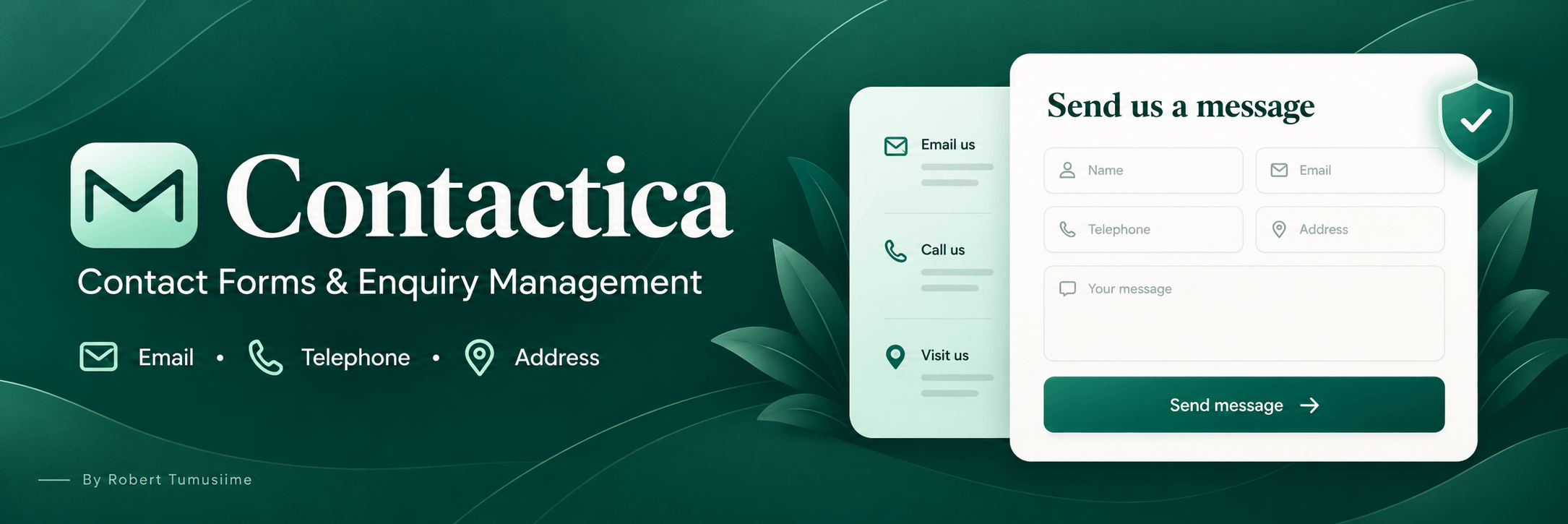
Contactica combines a stylish contact form with your organisation’s email, telephone, address and opening hours. It adapts to your WordPress theme’s colours and fonts, provides a sidebar-free contact page and keeps enquiries in a private dashboard inbox.
How to Use
- Install and activate Contactica.
- Open Contactica → Settings to enter your contact details and notification email.
- Edit the default form under Contactica → Contact forms.
- Add
[contactica] to your contact page, or use the Contactica Gutenberg block. - Publish the page and send a test enquiry.
For a specific form, copy its shortcode from the Contactica dashboard. Contact pages automatically use the sidebar-free layout unless this option is disabled in Settings.
Enquiries are saved before email notifications are attempted. Configure an SMTP plugin for reliable email delivery.
Requirements
WordPress 6.2 or later · PHP 7.4 or later
Author: Robert Tumusiime
License: GPL-2.0-or-later
Key features
- Key Features
- Responsive design with clear labels and contact icons.
- Multiple forms with custom headings, recipients and confirmation messages.
- Name, email, subject and message fields, plus optional telephone and address.
- Clickable email and telephone links.
- Private enquiry inbox with email notification status and resend option.
- Spam protection using honeypots, timing checks, rate limits and duplicate detection.
- Optional Cloudflare Turnstile verification.
- Consent checkbox and privacy-policy link.
- Configurable retention and WordPress personal data export/deletion support.
- Shortcode and Gutenberg block.
Changelog
Version 1.0.0 - Initial release
Introduced contact forms and integrated contact information panel.
Added responsive, theme-aware styling and sidebar-free contact pages.
Added private enquiry storage, formatted email notifications and notification resend.
Added layered spam protection and optional Turnstile verification.
Added consent, retention and personal data controls.
Added shortcode and Gutenberg block support.
User reviews
There are no written reviews yet. You can be the first to share one using the review form.
Rate this product
Share an honest rating. Reviews are moderated before publication.