About this product
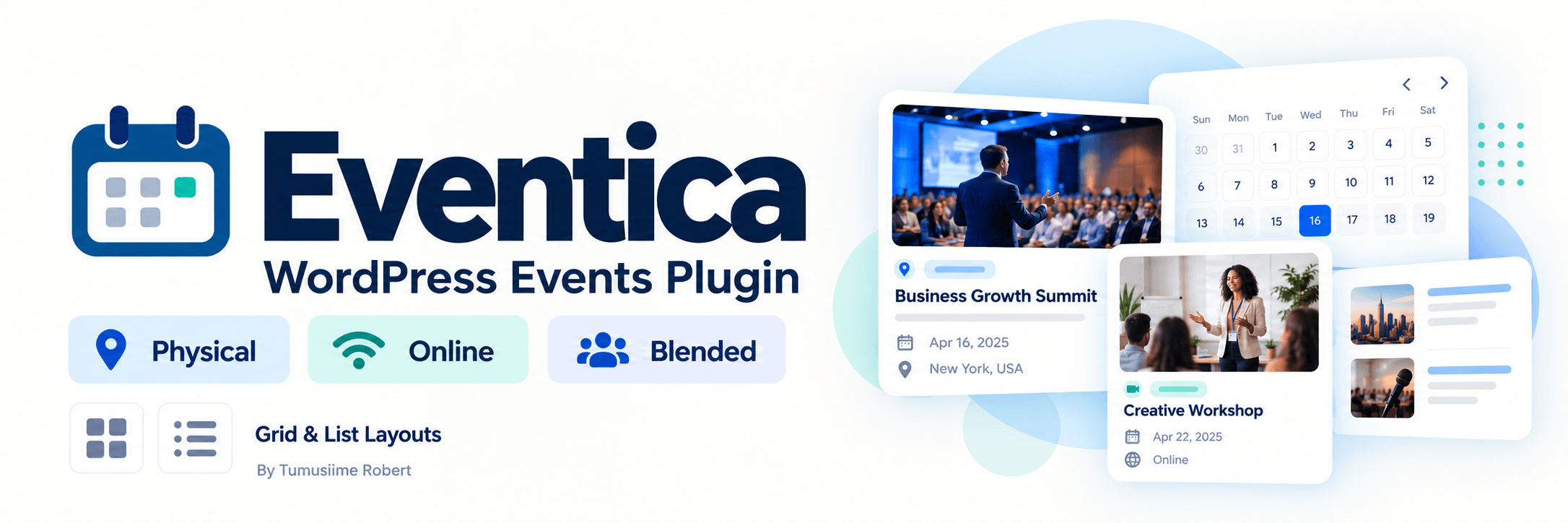
Eventica makes it easy to publish conferences, workshops, webinars, training sessions, community and any other events on your WordPress website. Add your event details, choose how people will attend, and display your events in a responsive grid or list layout.
Designed to fit your website, Eventica uses theme fonts and colours where available, with optional styling settings for greater control.
Key Features
- Three event formats: Physical, online and blended. The editor shows the venue and online attendance fields appropriate to your selection.
- Complete event details: Add a title, description, start and end dates, times, timezone, venue, address, online platform, organiser and contact email.
- Grid and list layouts: Choose your preferred layout and let visitors switch between views. Grid cards keep the presentation compact without excerpts; list cards include excerpts.
- Featured images: Display an event cover when provided. Events without images receive a styled date display.
- Dedicated event pages: Present your event with a clear title, attendance buttons, organised information panels and description, without a theme sidebar.
- Search, filters and pagination: Help visitors find events by keyword, category or attendance format and browse additional results.
- Online attendance and registration links: Link to an attendee-facing meeting room, registration form or external ticketing service.
- Calendar downloads: Let visitors add events to calendar applications that support .ics files.
- Flexible schedules: Support all-day events, individual event timezones, upcoming and past listings, and cancelled events.
- Styling controls: Adjust accent, background and text colours, along with corner rounding, through the plugin settings.
Getting Started
- Download the Eventica ZIP file.
- In WordPress, go to Plugins → Add New → Upload Plugin.
- Upload the ZIP, install it and activate Eventica.
- Open Eventica → Add event, enter the details and publish.
- Add a Shortcode block to your events page and enter [eventica].
- Go to Plugin Settings to customize
Pages containing the shortcode automatically use a sidebar-free listing layout while retaining the theme header and footer.
Shortcode Examples
Default listing:
[eventica]
Grid layout with nine events per page:
[eventica layout=”grid” per_page=”9″]
List layout with six events per page:
[eventica layout=”list” per_page=”6″]
Online events only:
[eventica type=”online”]
Past events:
[eventica period=”past”]
Plugin Details
Version: 1.0.2
Developer: Tumusiime Robert
Website: tumusiimerobert.org
Requirements: WordPress 6.5 or later and PHP 8.2 or later
Verified environment: WordPress 7.1.3 with PHP 8.3
Licence: GPL-2.0-or-later
Eventica uses external links for registration and ticketing. It does not process bookings or payments within WordPress.
Key features
- Three event formats: Physical, online and blended. The editor shows the venue and online attendance fields appropriate to your selection.
- Complete event details: Add a title, description, start and end dates, times, timezone, venue, address, online platform, organiser and contact email.
- Grid and list layouts: Choose your preferred layout and let visitors switch between views. Grid cards keep the presentation compact without excerpts; list cards include excerpts.
- Featured images: Display an event cover when provided. Events without images receive a styled date display.
- Dedicated event pages: Present your event with a clear title, attendance buttons, organised information panels and description, without a theme sidebar.
- Search, filters and pagination: Help visitors find events by keyword, category or attendance format and browse additional results.
- Online attendance and registration links: Link to an attendee-facing meeting room, registration form or external ticketing service.
- Calendar downloads: Let visitors add events to calendar applications that support .ics files.
- Flexible schedules: Support all-day events, individual event timezones, upcoming and past listings, and cancelled events.
- Styling controls: Adjust accent, background and text colours, along with corner rounding, through the plugin settings.
User reviews
There are no written reviews yet. You can be the first to share one using the review form.
Rate this product
Share an honest rating. Reviews are moderated before publication.